
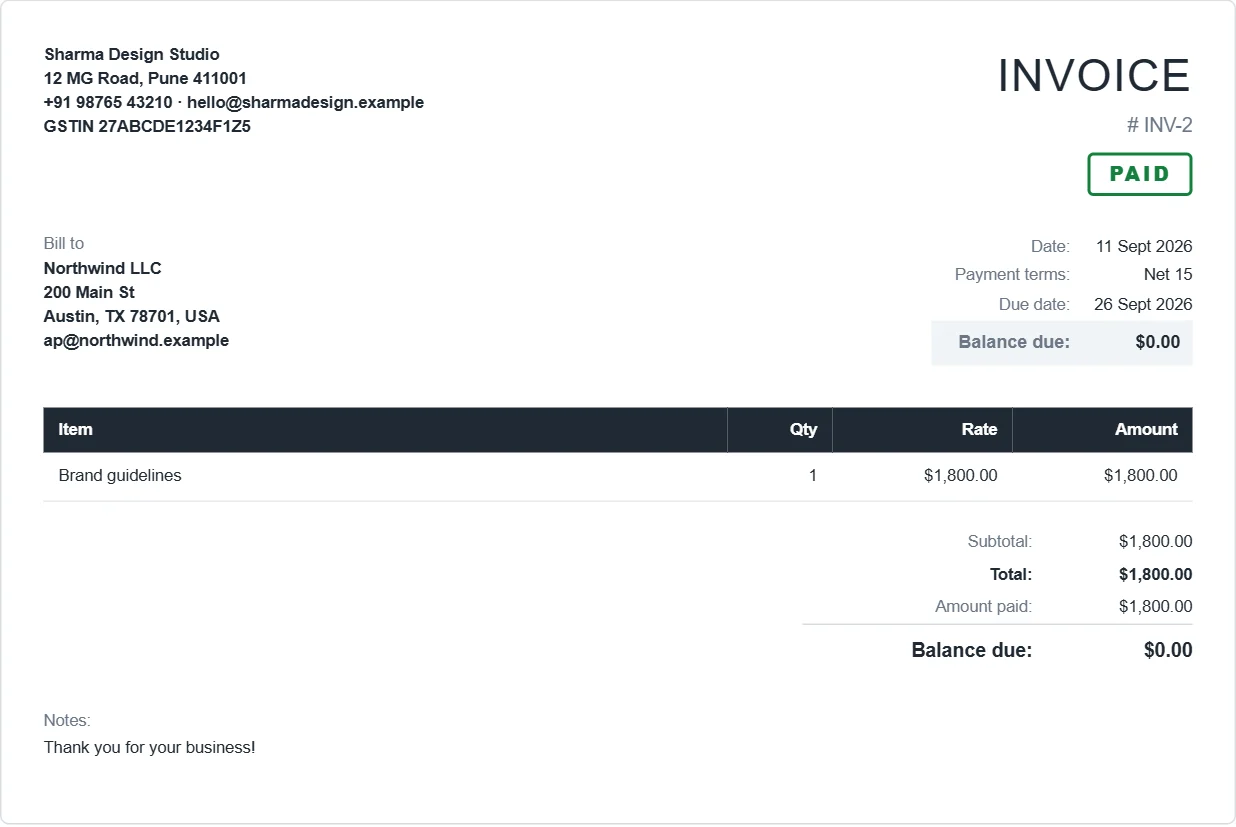
How to make a receipt
- Open the app and make the invoice, or open one you already sent.
- Click Record payment. Enter the amount, the date and how you were paid: cash, UPI, bank transfer, card, cheque or something else. Add the UTR, cheque number or transaction ID as a reference.
- When the balance reaches zero, the invoice is marked Paid and the PDF gets a PAID stamp. Payment details are hidden on paid invoices, so nobody pays twice.
- Want the document to say RECEIPT? Change the title to RECEIPT before you download it.
Part payments and advances
Record as many payments as you need. Each one is listed with its date, method and reference, and the invoice shows Partly paid with the balance still due. Reports show what you received by month and by payment method.
What goes on a receipt
- Your business name and contact details
- A receipt or invoice number and the date
- Who paid, and what for
- The amount received and how it was paid
- Any balance still due