
Free and open source
Free invoice generator. No sign-up, no watermark.
Make an invoice in two minutes, right in your browser. Add GST or VAT, bill in rupees, dollars, pounds or euros, add a UPI QR code or bank details, then download a PDF. No account needed. Your data stays on your device.
- Price
- 0.00
- Sign-up
- None
- Watermark
- None
- Saved in
- Your browser
How to make an invoice
- 01
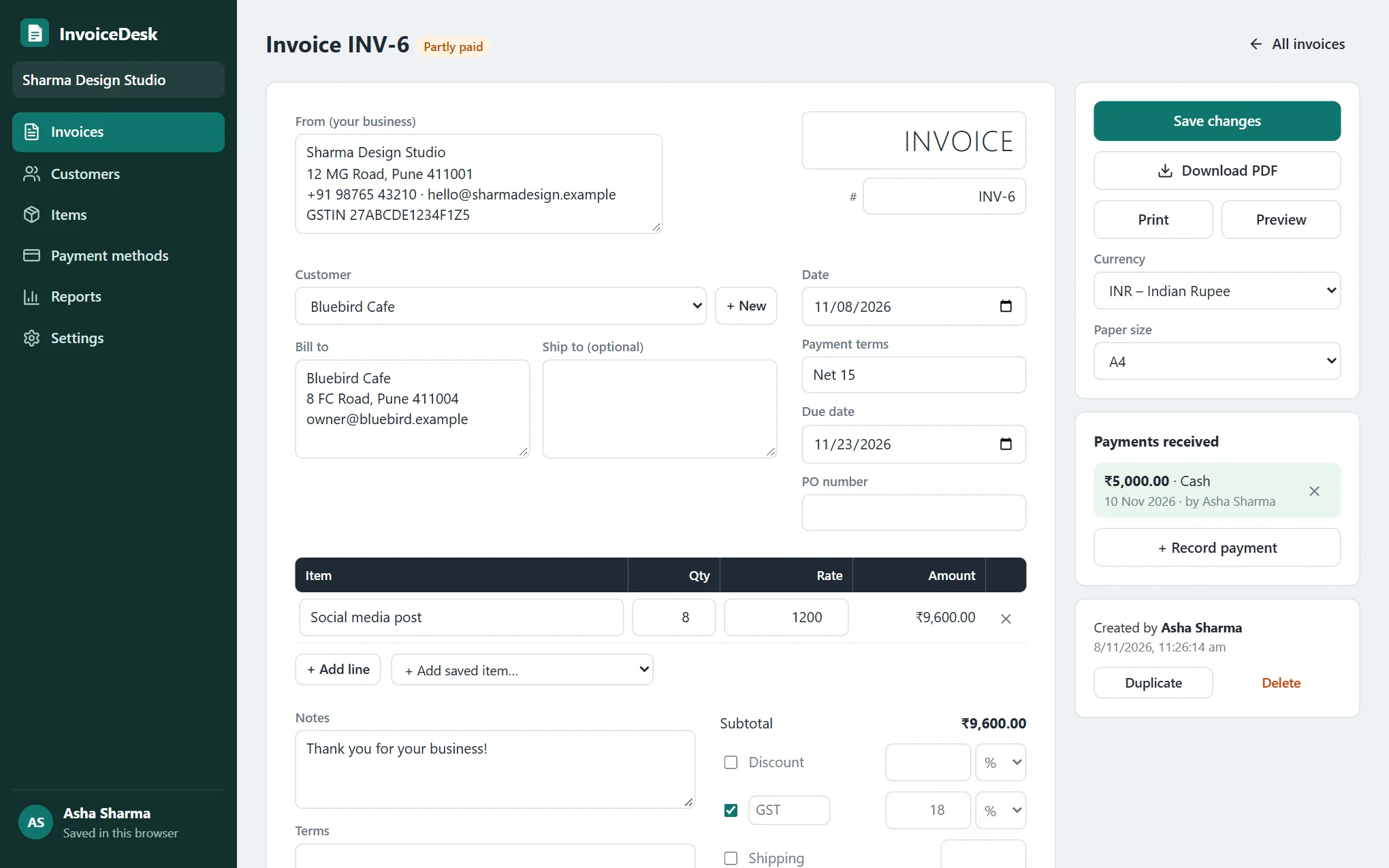
Fill in the invoice
Your business, your customer, the date and what you're charging for. Totals, tax and the due date work themselves out.
- 02
Add how to pay you
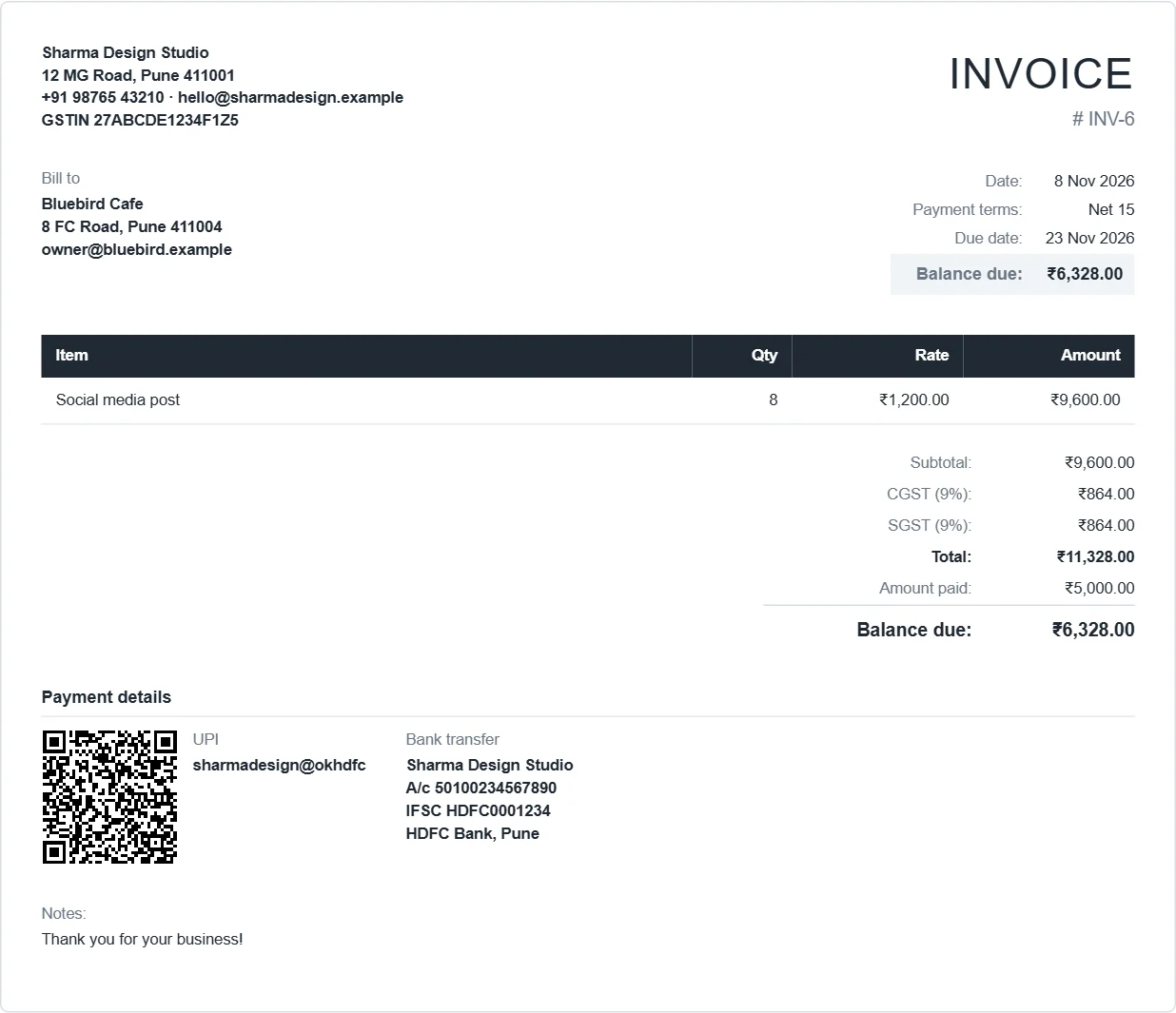
A UPI ID becomes a QR code for the exact amount. Bank details, Zelle, PayPal or a payment link work too.
- 03
Download and send
Save an A4 or Letter PDF, or print it. Record payments as they come in and see who still owes you.
Everything on the invoice. Nothing on the bill.
Eight line items, all included. Point at a row to see the real screen.
- 01Invoices that look professional Your logo and address. GST, VAT or any tax. INR, USD, EUR, GBP, AED or any of 36 currencies. Discounts, shipping, A4 or Letter. Download a PDF or print.0.00
- 02Payment details that get you paid UPI ID with an automatic QR code, bank details, Zelle, phone wallets or a payment link, printed on the invoice.0.00
- 03Payment tracking Record full or part payments by cash, UPI, cheque or transfer. Balance due and overdue status update by themselves.0.00
- 04Customers and saved items Save a customer once, then pick them. Keep your services with prices and add them to any invoice in one step.0.00
- 05Reports Invoiced against received by month, earnings by customer, average days to get paid. Export any list as CSV.0.00
- 06Backup and restore Download everything as one file. Restore it in another browser or on another computer.0.00
- 07Works on your phone Make and send an invoice from a phone browser. Rupee, dollar, pound, euro or dirham, numbered the way you like.0.00
- 08Open source Read every line on GitHub. Want your own copy with team logins? You can install it free.0.00
Your invoices never reach our server. There is no server.
InvoiceDesk runs entirely in your browser and saves to it. Nobody can read your customers or amounts, including us. Clearing your browser data clears the app too, so download a backup from Settings now and then.
- No account. Nothing to sign up for, no email, no password.
- No ads, no tracking. The site does not follow you around or sell anything.
- Backup in one file. Move your invoices to another browser or computer whenever you like.
- Open source. Anyone can read the code and check what it does.
One generator, every kind of invoice.
Change the title, the tax and the currency, and the same editor makes each of these.
- GST tax invoiceGSTIN, CGST + SGST or IGST, UPI QR code. India.
- Invoice without GSTFor freelancers and businesses that are not registered for GST.
- UK VAT invoiceVAT number, VAT at 20%, pounds sterling.
- Proforma invoiceA price confirmation before the work or the shipment.
- ReceiptRecord the payment and get a PAID stamp on the PDF.
- Invoice templateA blank, editable template you fill in online.
Real screens, real sample data.
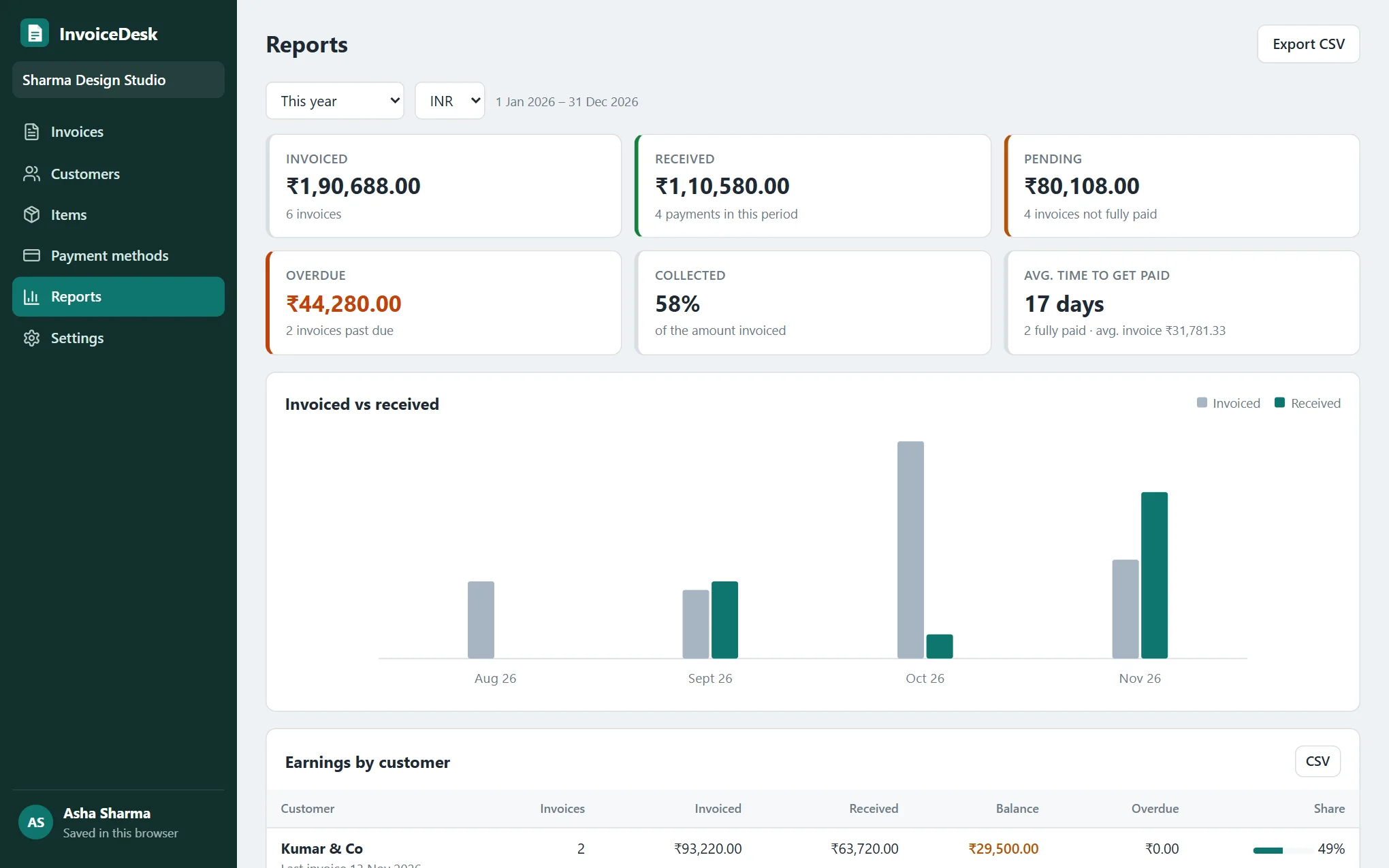
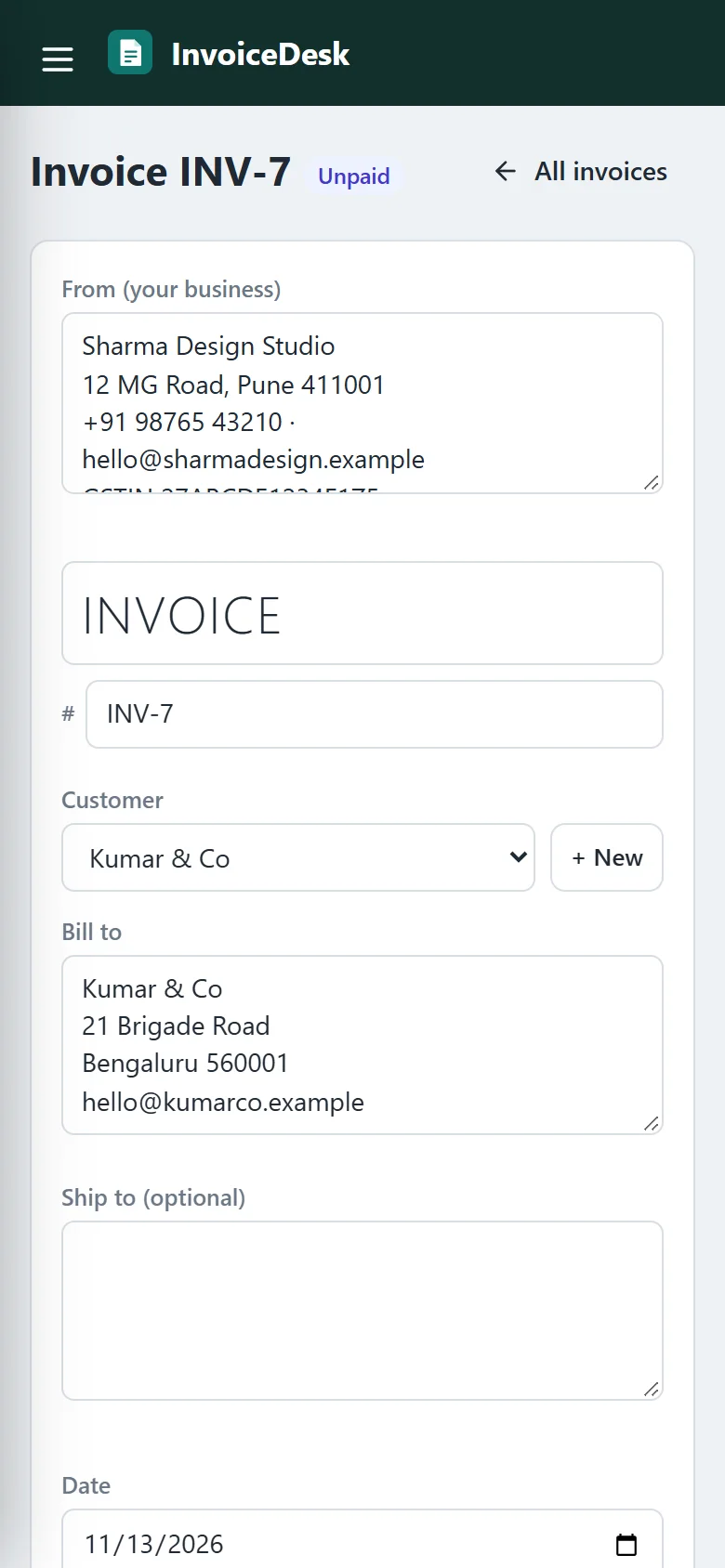
The sample business is made up. Open the app, choose Load sample data and click around, then delete it from Settings when you start for real.
Questions people ask
Is InvoiceDesk really free?
Do I need to sign up or log in?
Where are my invoices saved?
Can I download the invoice as a PDF?
Does it work for GST invoices in India?
Can I add my logo?
Does it work on a phone?
Can I put InvoiceDesk on my own website, with logins for my team?
Want it on your own domain, with logins for your team?
InvoiceDesk is open source. Install your own copy free on Hostinger or any web host. It's for your own business, not for resale.
Install free